Updates
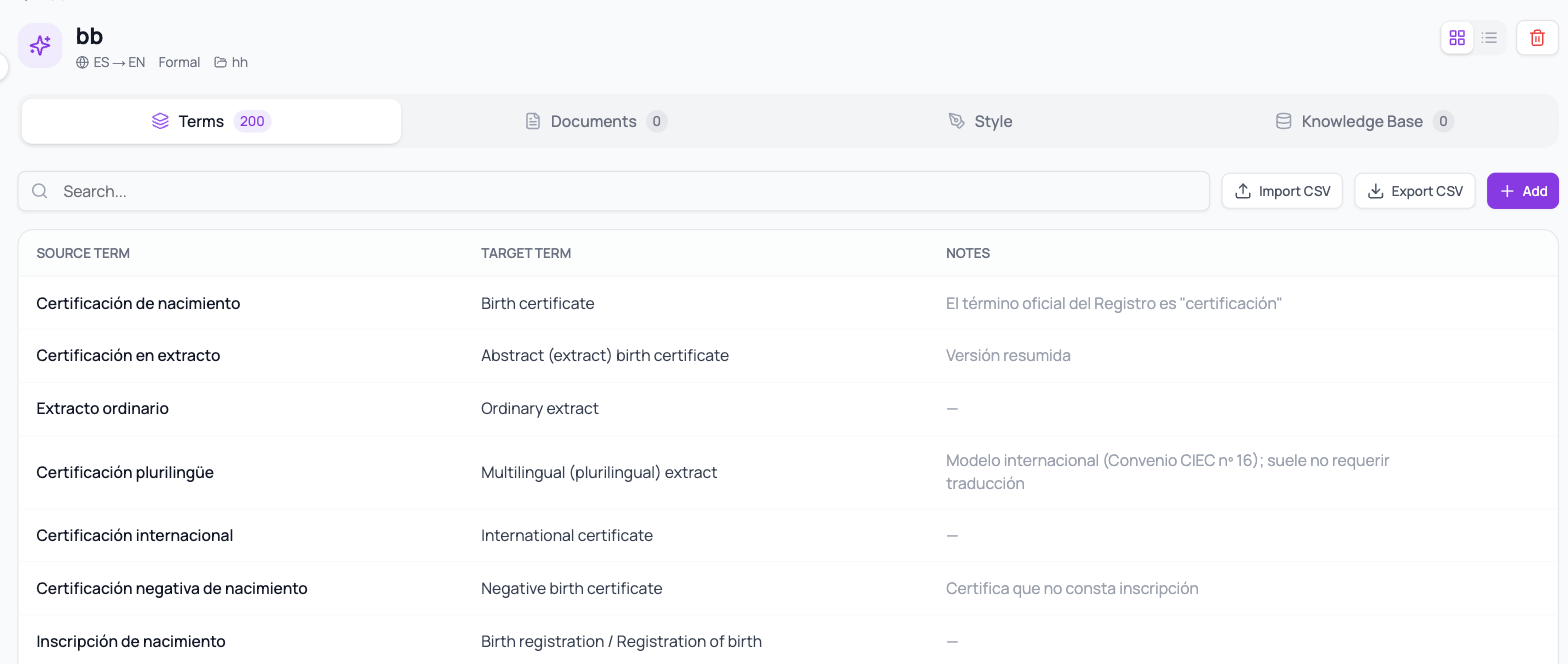
Your glossaries now apply without limits
If you'd loaded a large glossary and noticed that only some terms were being respected, that was the reason: there was an internal limit on terms per document.
What's changing
Now every term in your glossary that actually appears in the text gets applied, no matter how big the glossary or how long the document.
Good to know
- You don't have to do anything — reprocess a document and you'll notice the difference.
- If your glossary is very large, it's still a good idea to check for contradictory entries (the same term with two different translations).
- The match counter on your My Terms tab tells you how many terms were applied to each order.
A good glossary, in three rules
- One term, one translation. If the same term has two possible equivalents depending on context, keep the more frequent one in the glossary and resolve the other during Review.
- Favor what genuinely repeats: agency names, job titles, notarial phrasing, legal designations.
- Use the notes column to explain when a term applies — that's what prevents confusion when a colleague inherits your glossary.
Back to the full list in Platform Updates.